3.1 KiB
3.1 KiB
sitespeed.io





Website | Documentation | Twitter
Welcome to the wonderful world of web performance!
Using sitespeed.io you can:
- Test your web site against Web Performance best practices using the Coach.
- Collect Navigation Timing API, User Timing API and Visual Metrics from Firefox/Chrome using Browsertime.
- Run your custom-made JavaScript and collect whichever metric(s) you need.
- Test one or multiple pages, across one or many runs to get more-accurate metrics.
- Create HTML-result pages or store the metrics in Graphite.
- Write your own plugins that can do whatever tests you want/need.
See all the latest changes in the Changelog.
And a lot of more things. But what does it look like?
Checkout our example dashboard.sitespeed.io
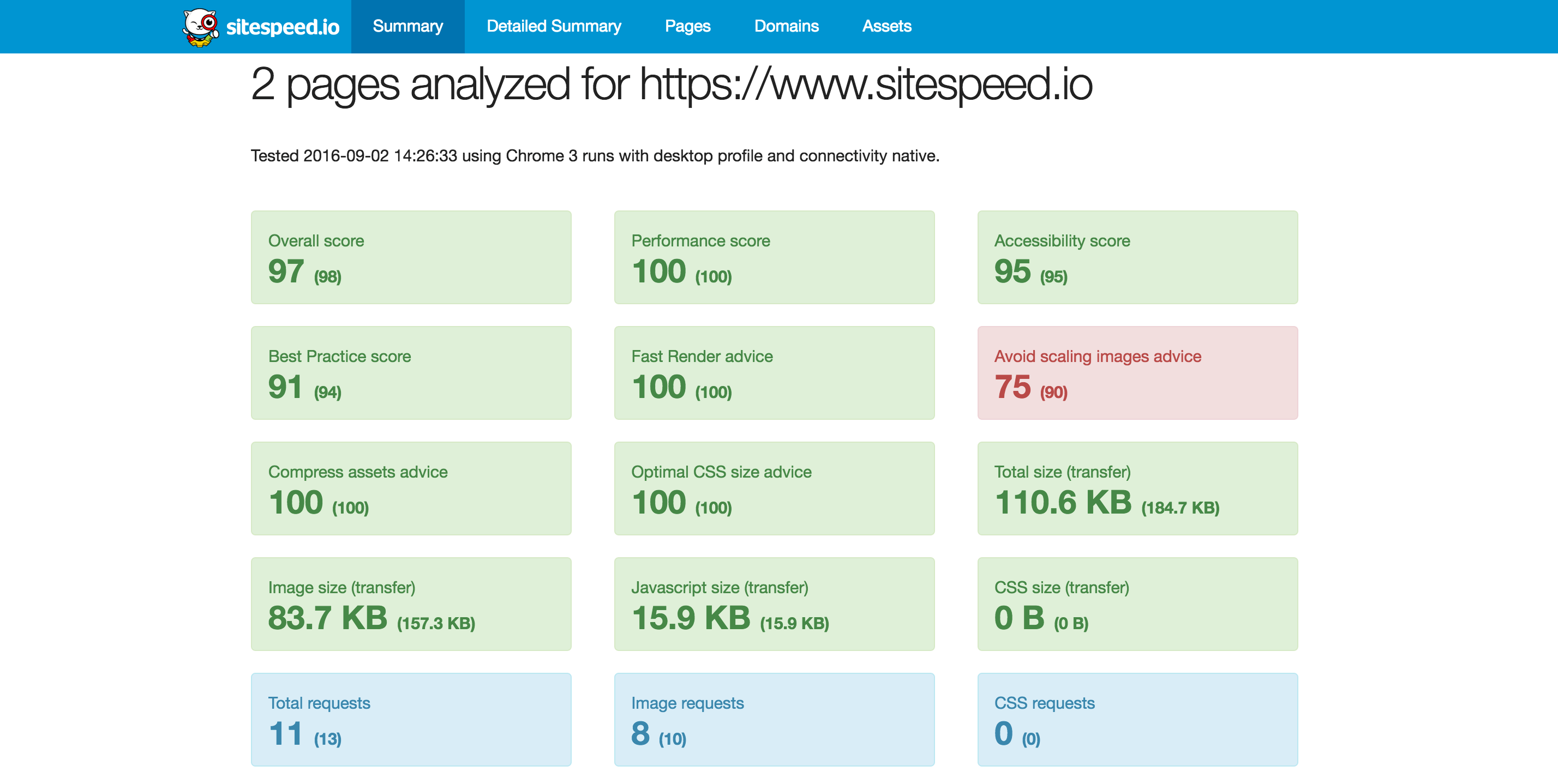
A summary report in HTML:
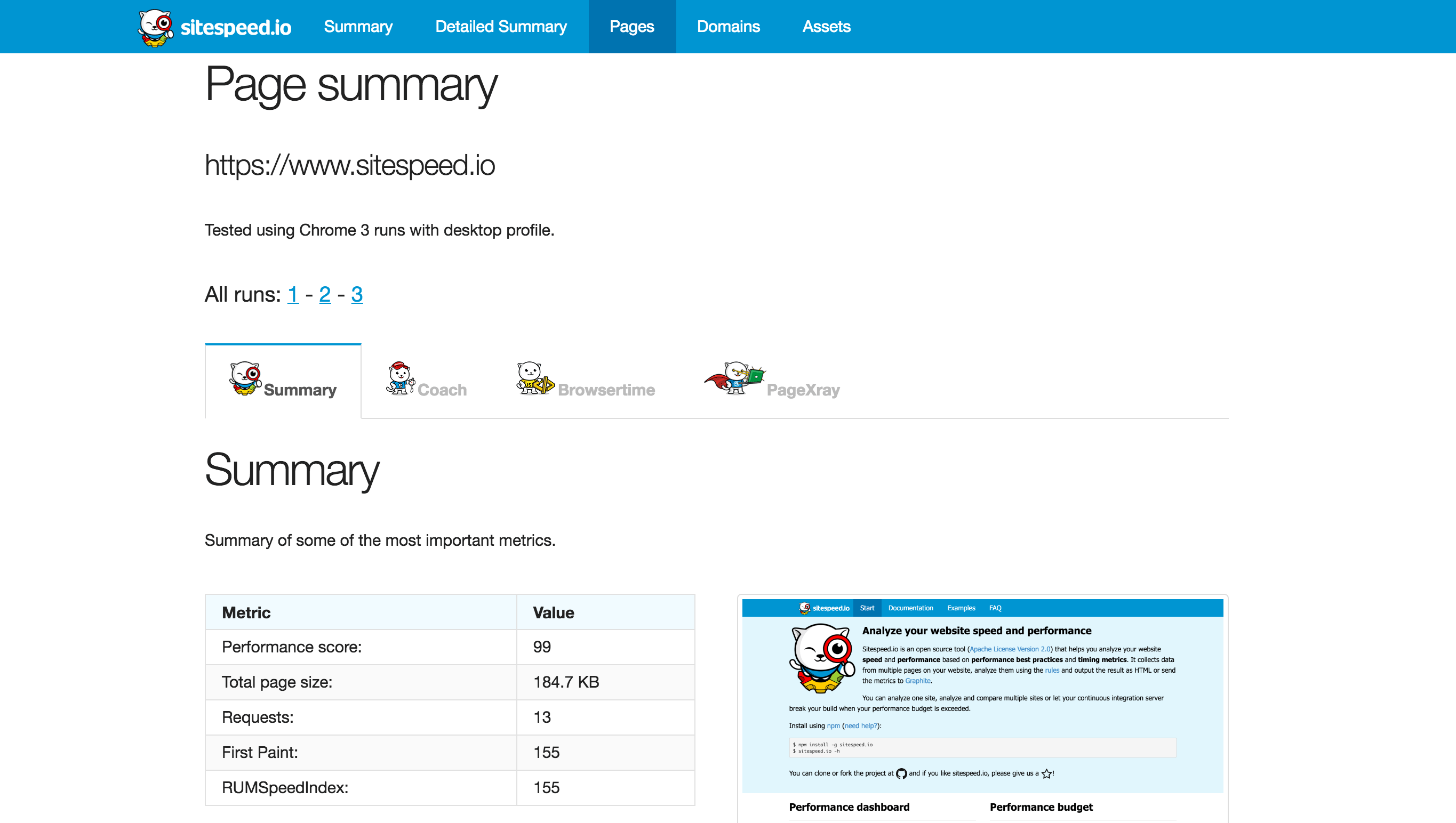
Individual page report:
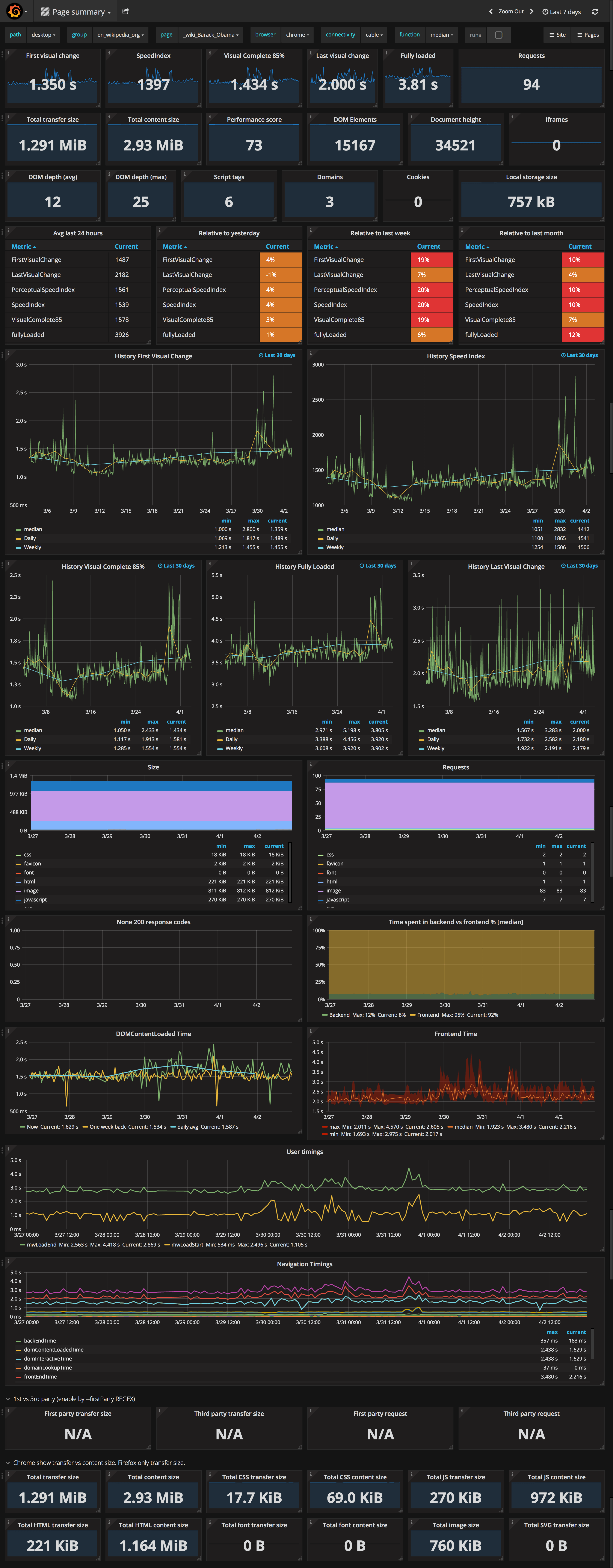
Collected metrics from a URL in Graphite/Grafana:
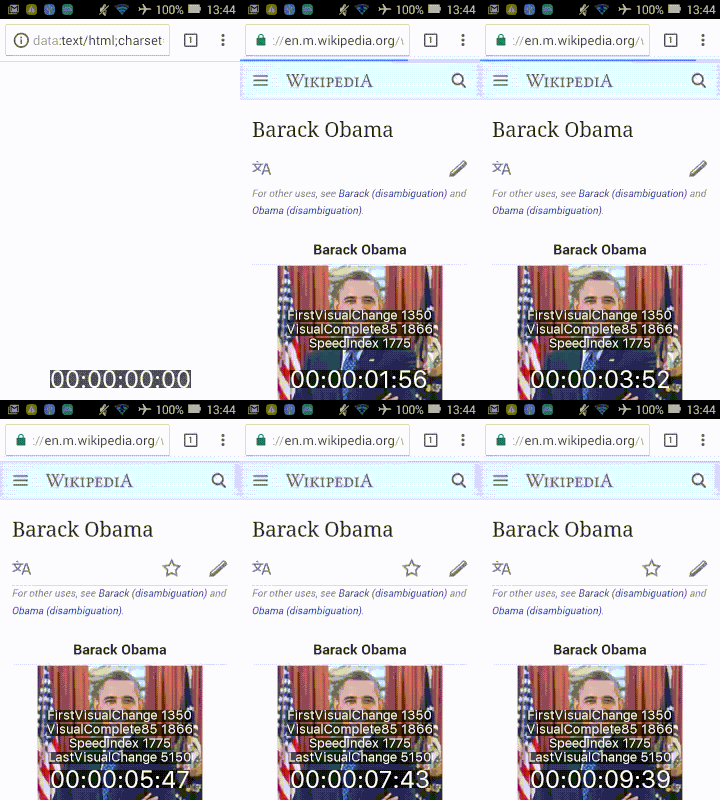
Video - easiest using Docker. This gif is optimized, the quality is much better IRL:
Lets try it out
Using Docker (requires 1.10+):
$ docker run --shm-size=1g --rm -v "$(pwd)":/sitespeed.io sitespeedio/sitespeed.io --video --speedIndex https://www.sitespeed.io/
Or install using npm:
$ npm i -g sitespeed.io
Or clone the repo and test the latest changes:
$ git clone https://github.com/sitespeedio/sitespeed.io.git
$ cd sitespeed.io
$ npm install
$ bin/sitespeed.js --help
$ bin/sitespeed.js http://www.sitespeed.io
I want to help!
We have a special page for you!