 64b2e31bc2
|
||
|---|---|---|
| .github | ||
| icons | ||
| icons-compressed | ||
| icons-json | ||
| icons-scss | ||
| icons-xml | ||
| CHANGELOG.md | ||
| CODE_OF_CONDUCT.md | ||
| LICENSE | ||
| README.md | ||
| package.json | ||
README.md
css.gg
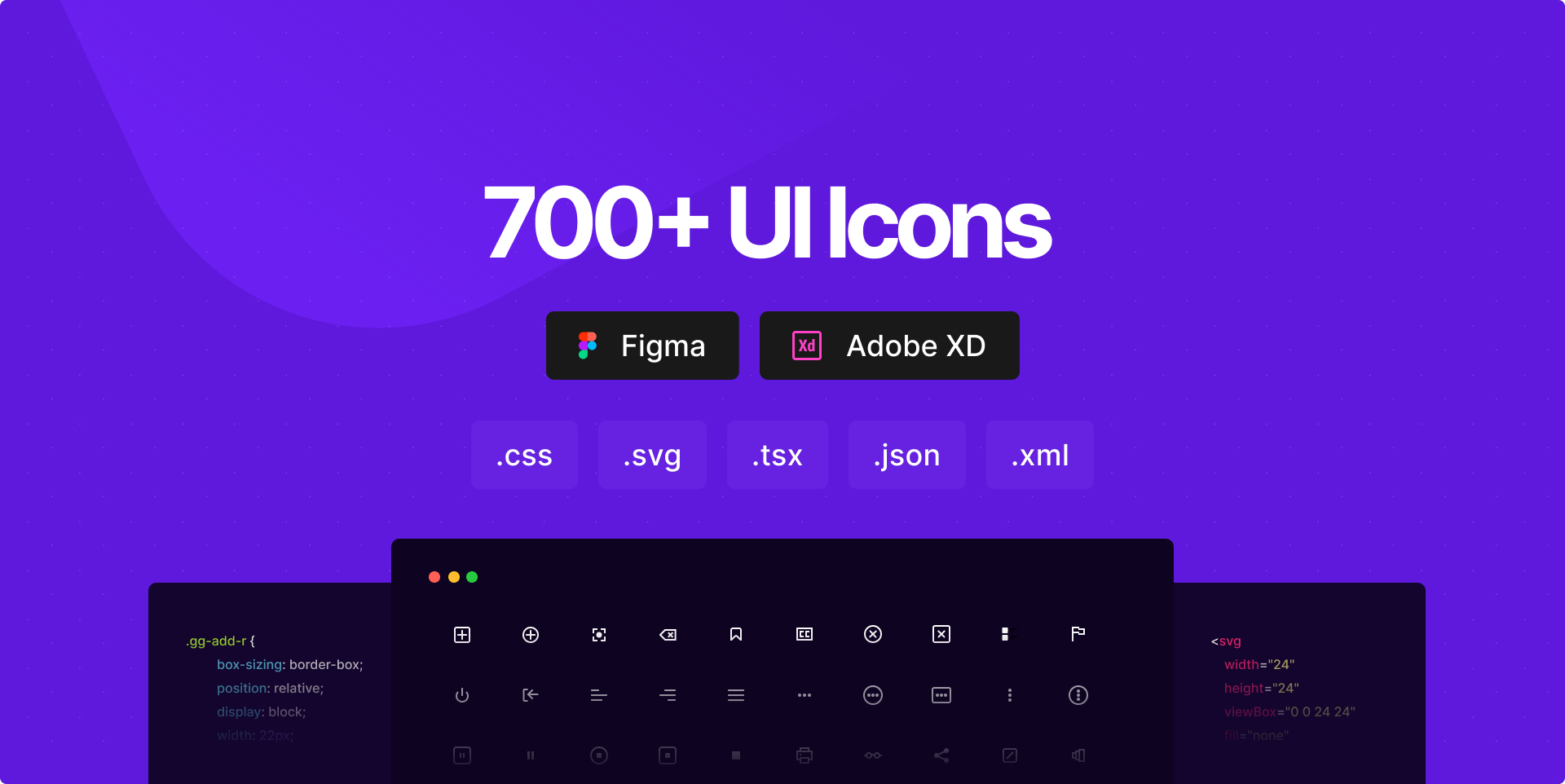
Minimalistic Icon library Designed by code.
Customizable & Retina-Ready icons entirely built in CSS.
App: https://css.gg






Features
- API endpoint
- Lightweight
- Accessible
- Agile
- Retina Ready
- Compilable
Getting started
Access all the icons as package:
| Name | Source |
|---|---|
| CLI | npm i -S css.gg |
| CSS | https://css.gg/c |
| JSON | https://css.gg/json |
| XML | https://css.gg/xml |
This package CDN alternatives
JSON
https://unpkg.com/css.gg
https://cdn.jsdelivr.net/npm/css.gg

CSS
https://unpkg.com/css.gg/icons-compressed/icons.css
https://cdn.jsdelivr.net/npm/css.gg/icons-compressed/icons.css

XML
https://unpkg.com/css.gg/icons-xml/icons.xml
https://cdn.jsdelivr.net/npm/css.gg/icons-xml/icons.xml
Add icons in your project
1. Markup
The class name starts always with "gg-" followed by icon name.
<i class="gg-icon-name"></i>
Resizing
To resize an icon you just need to change the value of a css variable "--ggs" to any value you like if not specified it falls back to 1 or the actual size.
.gg-icon-name {
    /* This value will multiple the actual size  */
    --ggs: 10;
}
The variable can be added to the parent, custom class,body or root level if you want all icons same size.
:root {

    --ggs: 6;

}
2. Style
HTML
<!-- Uncompressed - Single Icon -->
<link href='https://css.gg/icon-name.css' rel='stylesheet'>

<!-- Compressed - Single Icon -->
<link href='https://css.gg/c?=|icon-name' rel='stylesheet'>

<!-- Multiple icons  -->
<link href='https://css.gg/c?=|icon-name|icon-name|icon-name' rel='stylesheet'>

<!-- All icons  -->
<link href='https://css.gg/c' rel='stylesheet'>
CSS
/* Uncompressed - Single icon */
@import url('https://css.gg/icon-name.css');

/* Compressed - Single icon*/
@import url('https://css.gg/c?=|icon-name');

/* Multiple icons */
@import url('https://css.gg/c?=|icon-name|icon-name|icon-name');

/* All icons */
@import url('https://css.gg/c');
API Reference
1. Access data on .json format
All data - Single Icon
https://css.gg/json?=|icon-name
All data - Multiple Icons
https://css.gg/json?=|icon-name|icon-name|icon-name
Return style & markup only
You need to specify in the end of url if you wish to pull only style or markup by using &op=css or &op=css+markup variables respectively.
e.g Single Icon
Style
https://css.gg/json?=|icon-name&op=css
Style & Markup
https://css.gg/json?=|icon-name&op=css+markup
e.g Multiple Icons
Style
https://css.gg/json?=|icon-name|icon-name|icon-name&op=css
Style & Markup
https://css.gg/json?=|icon-name|icon-name|icon-name&op=css+markup
2. Access data on .xml format
All the above options apply to xml format.
Donate
This library is entirely free and maintained by one person > Astrit
If you like the work please consider donating at https://www.paypal.me/astrit
Support
- FAQ - https://css.gg/faq
- Discord - https://discord.gg/e7NDKFM
- Spectrum - https://spectrum.chat/css-gg